


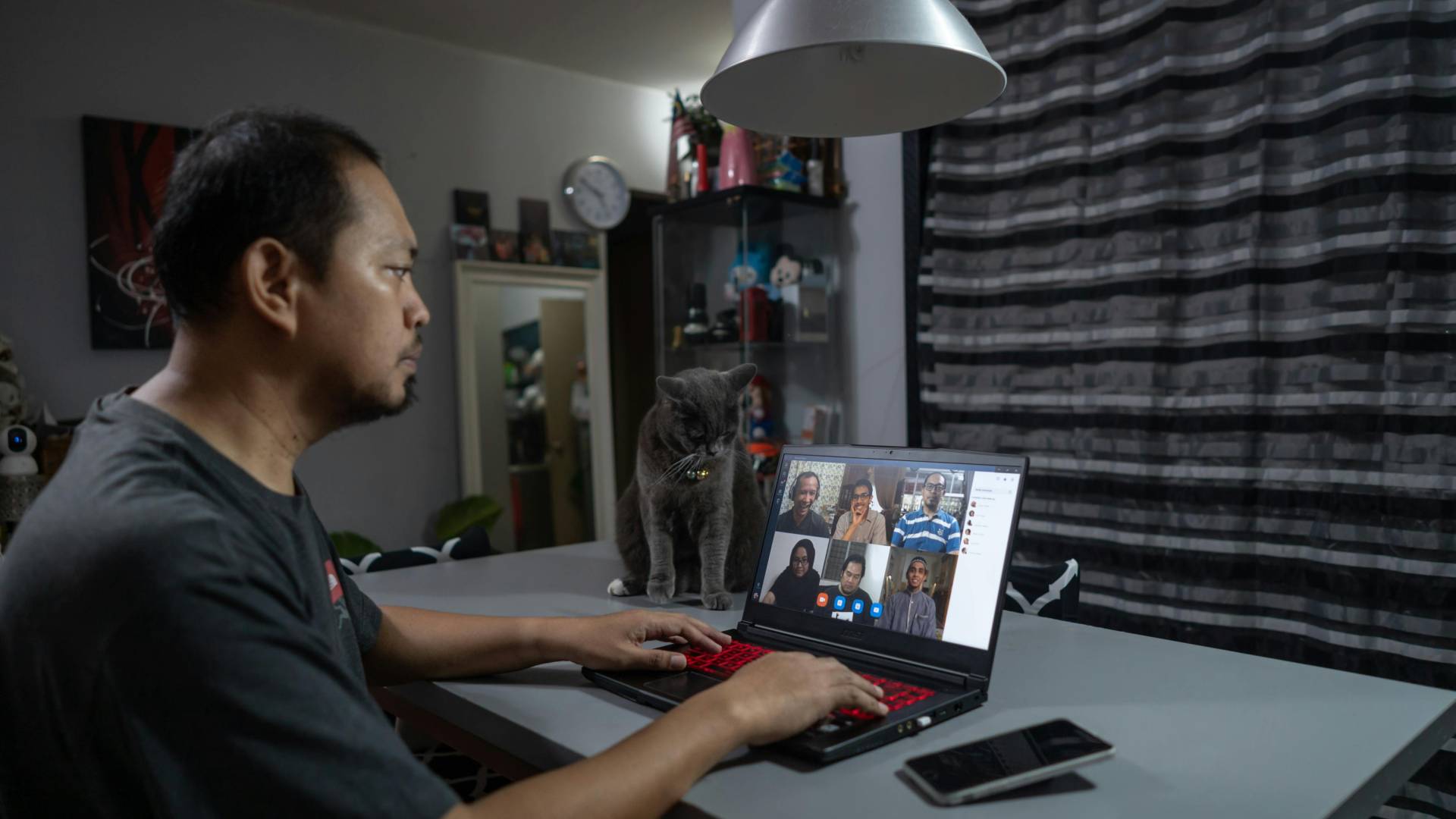
Hybrid work sounded like the best of both worlds: office energy when you need it, home focus when you do not. Two years in, the reality for most teams looks more like the worst of both: fragmented calendars, unclear expectations about availability, and meetings scheduled at times that work for the office crew but not for the remote crew. A 2025 survey from Owl Labs found that 59% of hybrid workers say scheduling conflicts are their biggest friction point, ahead of communication gaps and tool sprawl. The problem is not the hybrid itself. It is the absence of shared calendar rules that accounts for distributed schedules.
- Annie Dean, VP of Team Anywhere at Atlassian, has spent years building frameworks for distributed collaboration and argues that hybrid only works when you ‘design the system, not just declare the policy.’
- Brian Elliott, former SVP at Slack and co-author of How the Future Works, adds that the most common mistake is treating hybrid schedules as a logistical problem when they are actually a coordination problem. The shared insight is that calendar guardrails (clear, agreed-upon rules for when and how the team schedules time together) are the infrastructure that makes hybrid sustainable. The tradeoff: guardrails require initial negotiation and ongoing maintenance, and not every team will agree on the first try.
1. Define a core overlap window and protect it ruthlessly
Identify the three to four-hour window when all team members, regardless of location or time zone, are available. This is your core overlap. All synchronous meetings, collaborative sessions, and real-time discussions take place within this window. Everything outside it is async by default. Post the window in your team’s shared calendar and make it visible to anyone scheduling time with your team.
The core overlap is the single most important guardrail for hybrid teams because it solves the fairness problem. Without it, meeting times default to whoever schedules first, which usually means the office-based majority. With it, remote team members have equal access to synchronous time. Darren Murph, who built GitLab’s all-remote operating manual, recommends treating the overlap window as sacred: ‘If it does not fit in the overlap, it is not synchronous.’
2. Set default meeting lengths to 25 or 50 minutes with mandatory buffers
Configure your team’s calendar settings to default meetings to 25 minutes (not 30) and 50 minutes (not 60). The 5 and 10-minute buffers between meetings are not breaks. They are a transition time for hybrid workers who need to switch rooms, refill water, or simply decompress between cognitive contexts. Without built-in buffers, back-to-back meetings create a stamina problem that hits hardest on in-office days when meetings are stacked tightest.
Google Calendar and Outlook both support custom default meeting durations. Set it once, and every meeting your team creates inherits the buffer automatically. Research from Microsoft’s WorkLab found that back-to-back meetings increase stress biomarkers by 30% compared to meetings with even short breaks. The buffer is not a luxury. It is a physiological necessity that costs nothing to implement.
3. Require every meeting invite to specify ‘in person,’ ‘remote,’ or ‘hybrid.’
Add a required field or naming convention to every meeting invite that indicates the meeting format. ‘Hybrid’ means the room is set up with video and audio for remote participants. ‘In person’ means remote attendance is not supported. ‘Remote’ means everyone joins from their own device, even if some people are in the office. This eliminates the ambiguity that leads to half the team sitting around a conference room speaker while the other half struggles to hear on Zoom.
Format ambiguity is the silent killer of hybrid meeting quality. When the format is not declared, remote participants consistently have a worse experience: they cannot see the whiteboard, miss sidebar conversations, and have less ability to interject. Declaring the format in the invite forces the organizer to think about the experience for every participant. Calendar.com’s meeting templates let you build format tags into your default invite structure so the choice is always visible.
4. Block office days for synchronous work and remote days for deep work
If your team has designated office days, cluster all collaborative work (brainstorms, design reviews, planning sessions, one-on-ones) on those days. Remote days become protected deep-work days, where meetings are discouraged, and async communication is the norm. This gives each day a clear purpose and prevents the pattern where every day is a fragmented mix of both.
The principle is task-environment alignment. Offices are good for energy, spontaneous conversation, and visual collaboration. Home is good for focus, writing, and uninterrupted thinking. Trying to do both in the same day creates constant friction. A Stanford study on hybrid work found that teams with differentiated day purposes reported higher satisfaction and 13% higher productivity than teams with an undifferentiated mix.
5. Create a meeting-free day that applies to the entire team
Choose one day per week; Wednesday and Friday are the most popular choices when no internal meetings are scheduled. No standups, no syncs, no one-on-ones. External meetings with clients may be the exception, but internal meetings are off limits. Communicate this as a team norm, block it on the shared calendar, and enforce it consistently for at least six weeks before evaluating.
Atlassian’s data from their own meeting-free day experiments showed a 25% increase in focused work and a measurable drop in after-hours work. The reason is not just the recovered meeting time. It is the psychological relief of having one guaranteed uninterrupted day. Hybrid workers, especially those navigating different time zones, benefit disproportionately because the meeting-free day is the one day they never have to negotiate their schedule around someone else’s availability.
6. Publish team working hours in a single visible location
Create a simple table or shared calendar view that shows each team member’s working hours, time zone, and preferred communication method during their focus time. Pin it in your team Slack channel and link it in your team’s onboarding doc. When someone new joins, or when a cross-functional partner needs to schedule with your team, they have the information immediately instead of playing the guessing game that generates ‘when are you free?’ DMs.
Visibility solves more coordination problems than policies do. A written policy that says ‘respect people’s time zones’ is vague. A published table showing that Priya works 7 AM to 3 PM Pacific and prefers Slack over email in the morning is actionable. Research from Harvard’s Digital Initiative found that teams with published availability norms had 40% fewer scheduling conflicts than teams relying on informal knowledge.
7. Audit meeting equity monthly across in-office and remote participants
Once a month, review your team’s meeting patterns and ask: are remote team members attending the same proportion of meetings as in-office members? Are they speaking as much? Are decisions happening in hallway conversations that remote members miss? This equity audit takes 20 minutes and reveals patterns that, if left unchecked, erode trust and inclusion.
Meeting equity is not just a fairness issue. It is a performance issue. When remote team members are systematically excluded from decision-making conversations, the team loses their input and motivation. Brian Elliott writes in How the Future Works that the most common failure mode of hybrid is ‘proximity bias’: the tendency to value and include the people you can physically see. A monthly audit makes proximity bias visible so you can correct it before it calcifies into culture.
The Bottom Line
Hybrid work does not fail because the model is broken. It fails because the rules are missing. Calendar guardrails give your team a shared structure to make hybrid work sustainable without relying on goodwill or improvisation. Start with one move: define your core overlap window this week and publish it. When the team sees that scheduling has clear boundaries, the friction that makes hybrid feel chaotic starts to fade.
Image Credit: Photo by Faizal Ortho: Pexels








Deanna Ritchie
Editor-in-Chief at Calendar. Former Editor-in-Chief, ReadWrite, Editor-in-Chief and writer at Startup Grind. Freelance editor at Entrepreneur.com. Deanna loves to help build startups, and guide them to discover the business value of their online content and social media marketing.